
HR admin basics
The employee-admin checklist software cannot decide for you
Separate repeatable administration from legal judgment, and keep sensitive records attached to a clear owner and lifecycle.
· Napdav team
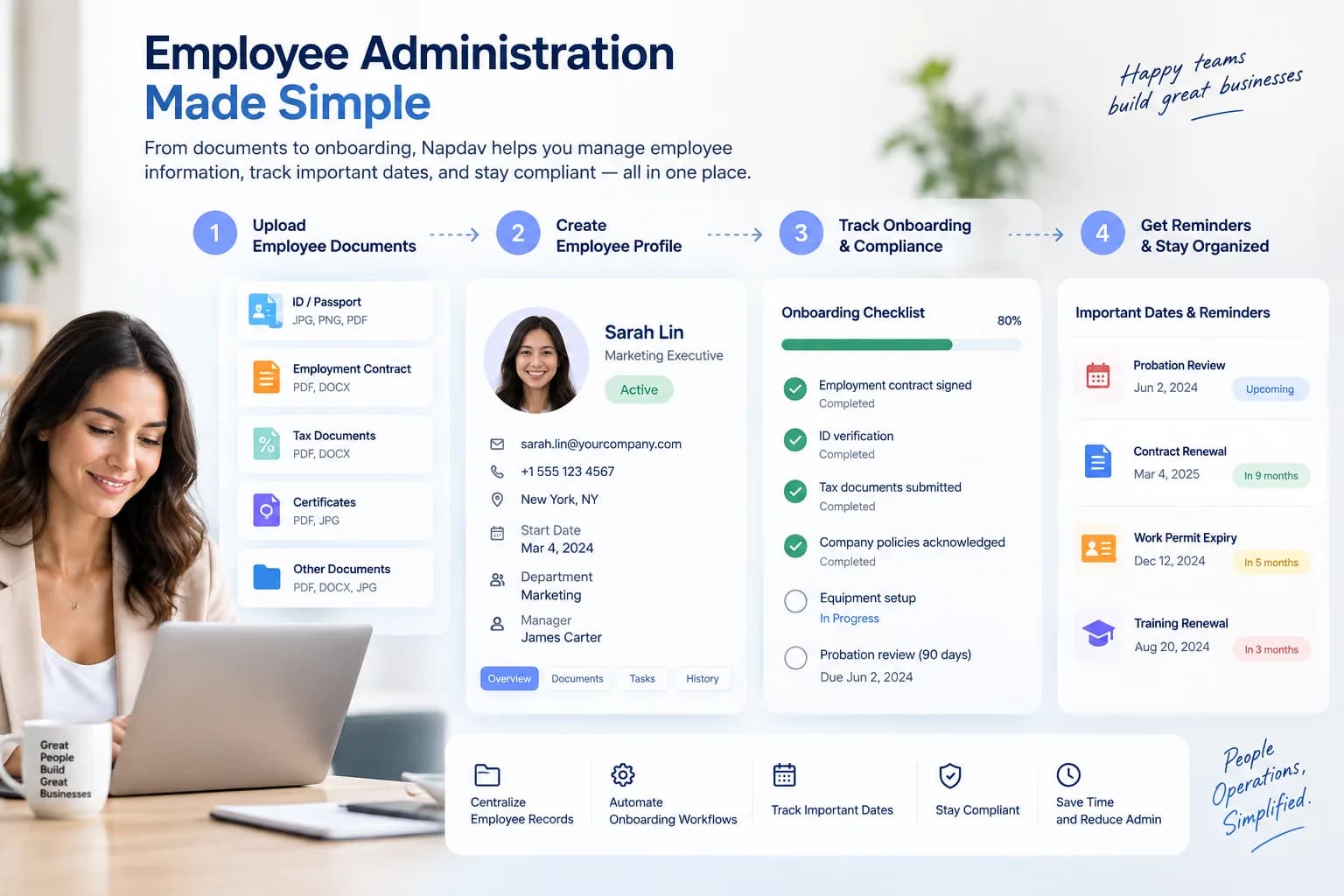
Employee administration contains two different kinds of work. One is repeatable: collect a document, assign an onboarding task, record a date, and remind an owner. The other requires judgment: decide what law applies, which record is necessary, who may access it, and how long it should be retained.
Software can help with the first category. It should not pretend to decide the second.
Build the checklist around a lifecycle
A useful checklist follows the employee from preparation through onboarding, active employment, role change, and departure. Each stage has its own records, owners, and dates.
Start with the smallest common path. For onboarding, that might include creating an administrative profile, collecting approved documents through a safe channel, assigning workplace setup, recording key dates, and confirming completion.
Avoid copying one large generic checklist to every role. Separate universal administration from role-specific work and local legal requirements.
Name the owner of every item
“HR” is not always an owner in a small business. A task may belong to the office administrator, hiring manager, finance contact, IT provider, or employee.
Use a person or role that can act. Keep the deadline and source beside the task. If a document triggers the work, the task should link back to that document without copying sensitive details into a less controlled system.
Treat access as part of the record
Employee information is sensitive even when it does not look dramatic. A contract, address, emergency contact, right-to-work document, review note, and leave record should not inherit access merely because they sit in the same workspace.
Before storing real records, answer:
- Which roles can view each document category?
- Who can edit or delete a record?
- Is access removed promptly when a role changes?
- Is administrative access logged?
- Which providers process the data, and where?
A polished permission screen is not evidence that these controls work. Verify the implementation and the operating process.
Keep dates visible without calling them compliance
Review dates, contract renewals, document expiries, and onboarding milestones can create useful reminders. A reminder does not determine the legal deadline or prove the business has met an obligation.
Record where the date came from, who confirmed it, and what action it creates. When the date reflects legal advice or a regulatory requirement, keep that source and review process outside the automation itself.
Decide retention before collecting more
A system that makes collection easy can quietly make deletion harder. Define when each category should be reviewed, archived, exported, or deleted. Include provider backups and support access in that analysis.
Do not invent a single retention period for every employee document. Requirements vary by record type, location, employment relationship, and legal context. Qualified advice belongs in the policy; the software should execute the approved policy and leave evidence.
Make departure a real stage
Offboarding is not a final checkbox. It can include removing access, collecting company property, transferring ownership, preparing required records, and scheduling deletion or retention review.
The checklist should make incomplete actions visible after the employee's last day. It should also avoid leaving former managers or vendors with access to sensitive information.
The useful boundary
Use software to make repeatable administration visible, assigned, and reviewable. Use people and qualified advisers to decide what the business is legally required to collect, retain, disclose, and protect.
That boundary is not a limitation to hide. It is what keeps an employee-admin workflow honest.
Review Napdav's employee-administration model and read the security verification page.